Minecraft
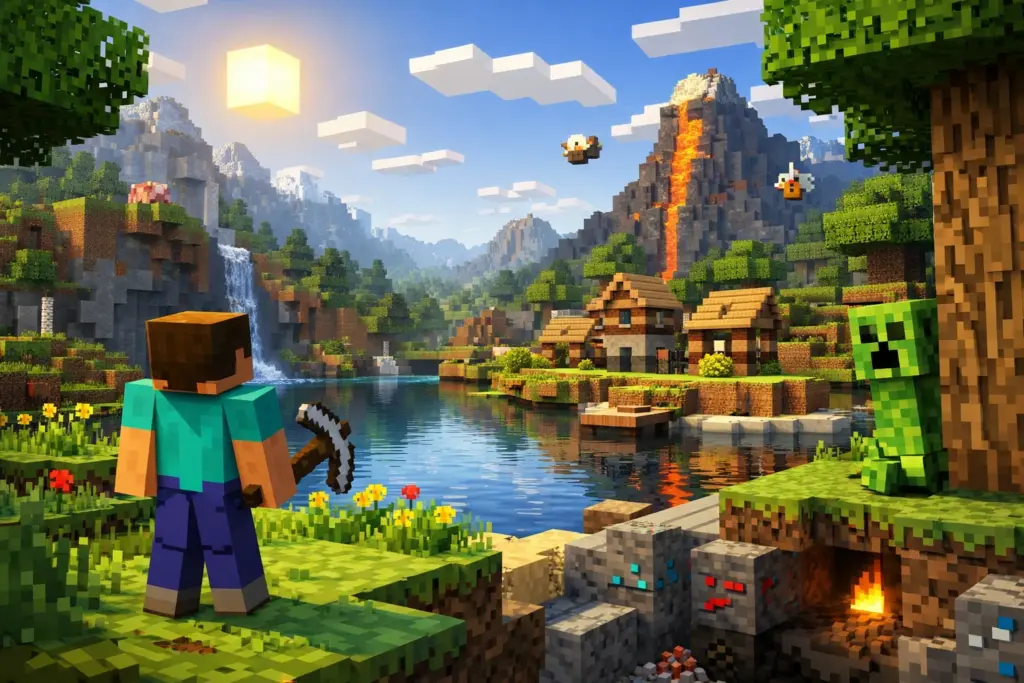
Yeah, Minecraft is cross platform, but there’s a catch. Only Bedrock Edition supports true crossplay, letting players on Xbox, PlayStation, Switch, PC, and mobile jump into the same worlds together. Java Edition? That’s PC-only unless you get creative with third-party tools.
This guide breaks down which Minecraft versions support crossplay, how to set it up across different platforms, what it’ll cost you, and how to fix common connection headaches. We’ll also cover Realms, GeyserMC workarounds, and how to keep your account safe from scams while playing with friends.
What does cross platform mean in Minecraft?
Cross-platform play means you can squad up with friends no matter what device they’re using. Your buddy’s grinding on Xbox while you’re building on mobile? No problem—you’ll both see each other in-game, collaborate on builds, and explore the same server.
In Minecraft’s case, Bedrock Edition makes this possible by running identical code across all platforms. Everything syncs through Microsoft’s servers, so your worlds and player data stay consistent whether you’re on console, PC, or mobile.
Java Edition doesn’t play by these rules. Java players can only join other Java servers, which locks crossplay to PC users on Windows, Mac, or Linux. The two versions evolved separately over the years, creating a split in the playerbase that still exists today.
Which Minecraft versions are cross platform? (Bedrock vs Java)
Bedrock Edition handles all the cross-platform magic. Java Edition stays in its own lane unless you use workarounds like GeyserMC (more on that later).
| Feature | Bedrock Edition | Java Edition |
|---|---|---|
| Platforms | Xbox, PlayStation, Switch, Windows PC, mobile, Chromebook | Windows, Mac, Linux |
| Crossplay | ✅ Full support | ❌ PC only |
| Microsoft account | Required | Optional (except Realms) |
| Mods | Limited add-ons | Extensive mod support |
| Redstone | Slightly different mechanics | Original behavior |
Bedrock became the unified version when Microsoft wanted everyone playing together. Java kept its identity as the original, mod-friendly edition with different mechanics and a dedicated community.
Most console gamers and casual players roll with Bedrock. Hardcore builders, redstone engineers, and modders typically stick with Java.
If you bought Minecraft on console or mobile after 2017, you’ve got Bedrock. Bought it on PC before the Windows 10 version dropped? You likely have Java, though many PC players now own both editions.
What platforms support Minecraft crossplay? (Bedrock Edition)
Bedrock Edition works across these platforms:
- Windows 10/11 PC (Microsoft Store version, not Steam)
- Xbox One and Xbox Series X/S
- PlayStation 4 and PlayStation 5
- Nintendo Switch
- iOS and Android mobile devices
- Chromebooks (via Google Play)
Every platform connects to the same multiplayer ecosystem. A PlayStation player can join a Windows PC player’s world, who can then invite someone on Switch—everyone plays together without compatibility drama.
Microsoft account requirement: Everyone needs a Microsoft account to enable crossplay. It’s free to create and acts as your universal login across all Bedrock platforms.
Important note: The Steam version of Minecraft is Java Edition, which doesn’t support crossplay with Bedrock. If you want cross-platform on PC, grab the Windows 10/11 version from the Microsoft Store.
Console players don’t need to worry about which edition they have. If you bought Minecraft on Xbox, PlayStation, or Switch, you automatically got Bedrock. Same goes for mobile players.
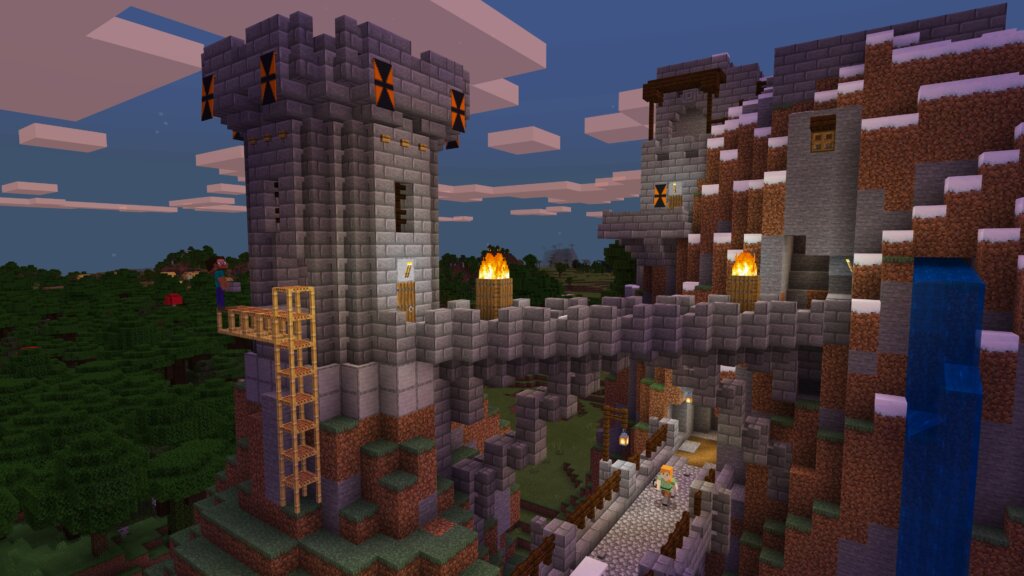
Source: minecraft.net
How to set up Minecraft cross platform play (Bedrock)
Setting up crossplay takes a few minutes, but the process stays consistent across platforms.
1. Create or link a Microsoft account
Everyone playing together needs a Microsoft account. On Xbox, you already have one. On PlayStation, Switch, and mobile, you’ll create or link one when you first launch Minecraft.
Head to the game’s settings, find the Microsoft account sign-in option, and follow the prompts. You’ll get a code to enter at microsoft.com/link, which connects your platform account to Microsoft’s servers.
2. Enable multiplayer settings
Open Minecraft, navigate to Settings > Multiplayer, and toggle on “Multiplayer Game” and “Visible to LAN Players.” Some platforms also have a “Cross-Platform Play” toggle that needs enabling.
If you’re hosting a world, make sure “Invite Only” is turned off unless you want to manually approve every player. Open worlds let friends join directly from their friends list.
3. Add friends through Microsoft accounts
Press the pause button in-game, navigate to the Friends tab, and select “Add Friend.” You’ll need your friend’s Xbox Gamertag or Microsoft account name.
Once you send the request and they accept, they’ll appear in your friends list. From there, you can see when they’re online and which Minecraft world they’re in.
4. Join or invite friends to your world
To join a friend’s world, go to the Friends tab and look for their active session. If their world is open, you’ll see a “Join Game” button.
To invite someone to your world, open the pause menu, select the Friends tab, find their name, and click “Invite to Game.” They’ll get a notification and can jump in immediately.
Inviting friends to join your Bedrock Edition world, source: Minecraft.net
Is Minecraft Java Edition cross platform?
Java Edition only supports crossplay between other Java players on PC. You can’t join Bedrock servers or play with console and mobile users without third-party tools.
Java runs on Windows, Mac, and Linux, so players on any of these operating systems can connect to the same Java servers. However, the version differences between Java and Bedrock prevent direct compatibility.
Java uses different world generation, redstone mechanics, and combat systems that don’t translate to Bedrock’s code. The two versions are essentially separate games that happen to share the same name and aesthetic.
Most multiplayer Java servers run through dedicated hosting or player-created setups. You’ll find massive community servers like Hypixel and Mineplex, which only Java players can access.
How to enable Java and Bedrock crossplay (with GeyserMC)
GeyserMC is a third-party plugin that lets Bedrock players connect to Java servers. It translates Bedrock’s network protocol into Java’s format, creating a bridge between the two versions.
Setting up GeyserMC requires running your own server or finding one that already has it installed. You’ll download the plugin from GeyserMC’s official site, add it to your server’s plugin folder, and configure the connection settings. Bedrock players then connect using your server’s IP address and a specific port (usually 19132).
Warning: GeyserMC isn’t perfect. Some Java features don’t translate well to Bedrock, causing visual glitches or missing items. Combat mechanics also differ, which can create imbalances in PvP scenarios.
Running third-party server software comes with responsibilities. You’re handling security, updates, and troubleshooting. If you’re not comfortable managing a server, look for public servers that already support GeyserMC.
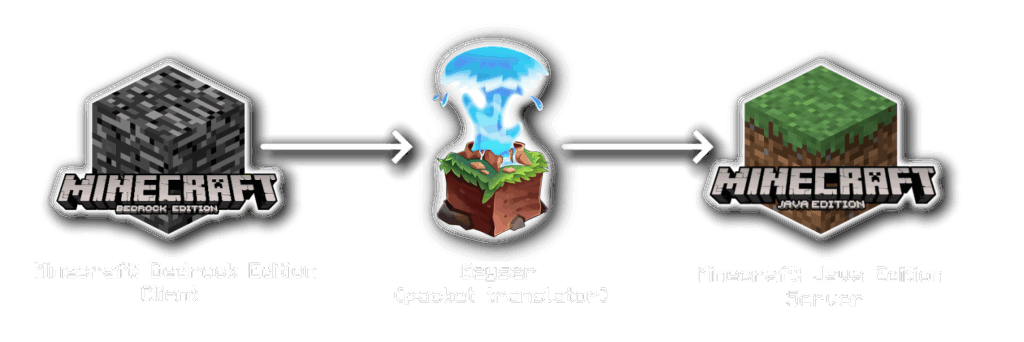
How GeyserMC bridges Bedrock and Java Minecraft servers, source: GeyserMC.org
Minecraft Realms: Official cross-platform solution
Minecraft Realms is Microsoft’s subscription service for hosting private worlds. It handles cross-platform play automatically, letting up to 10 players (11, including the host) join simultaneously.
Realms costs $7.99/month for Bedrock Edition or $9.99/month for Java Edition. The Bedrock version supports crossplay across all platforms, while the Java version only connects Java players.
You get automatic backups, world templates, and the ability to swap between different worlds without losing progress. For a full breakdown of features, check Minecraft.net’s Realms comparison.
Realms works well for small friend groups who want a persistent world without managing a server. The downside is the player limit and lack of mod support. If you want more than 10 people online or need custom plugins, you’ll have to host your own server instead.
What does cross-platform play cost?
Minecraft itself costs $29.99 for Bedrock Edition on most platforms. Java Edition also costs $29.99, though PC players who bought Java before mid-2022 got Bedrock for free (and vice versa).
Beyond the game purchase, crossplay has a few potential costs:
| Cost Type | Price | Required For |
|---|---|---|
| Microsoft account | Free | All crossplay |
| PlayStation Plus | $9.99/month | PlayStation online multiplayer |
| Xbox Live Gold/Game Pass | $9.99/month | Xbox online multiplayer |
| Nintendo Switch Online | $3.99/month | Switch online multiplayer |
| Minecraft Realms | $7.99/month | Private hosted worlds (optional) |
Mobile and PC players don’t need additional subscriptions. You can play online for free once you own the game.
Note: Console subscriptions like PlayStation Plus and Xbox Live apply to all online games, not just Minecraft. If you already pay for one, there’s no extra cost for Minecraft crossplay.
Limitations and common problems in Minecraft crossplay
Version mismatches cause most crossplay headaches. If your game hasn’t updated to the latest patch, you won’t see friends who are on a newer version. Minecraft updates frequently, and all players need matching versions to connect.
Platform-specific bugs also pop up. PlayStation players sometimes hit connection errors when joining Xbox-hosted worlds, and mobile users occasionally see rendering issues in complex builds. Microsoft typically patches these problems within a few updates.
Account issues happen when Microsoft’s servers go down or when players forget to link their accounts properly. If you’re not signed into a Microsoft account, you won’t appear in anyone’s friends list, and you can’t join crossplay sessions.
Troubleshooting Minecraft cross-platform play
If crossplay isn’t working, try these fixes:
- Restart Minecraft and your device: Solves most temporary connection issues
- Check for updates: Make sure everyone is on the same game version
- Verify Microsoft account login: Sign out and back in if you’re not seeing friends
- Enable multiplayer settings: Double-check that crossplay toggles are turned on
- Check internet connection: Weak or unstable connections prevent joining worlds
- Rebuild friends list: Remove and re-add friends if they’re not appearing
For persistent issues, check the official Minecraft help site or browse r/Minecraft for community troubleshooting. Many problems have documented fixes that the community has already solved.